
VARVAULT
VARVAULT

With NodeMCU, you can read data from sensors such as temperature, humidity, light, motion, and many others. HTTPs request can be quite a challenge in developing since it is an HTTP with added security features provided by encryption protocols and there is a need for CA certificate.
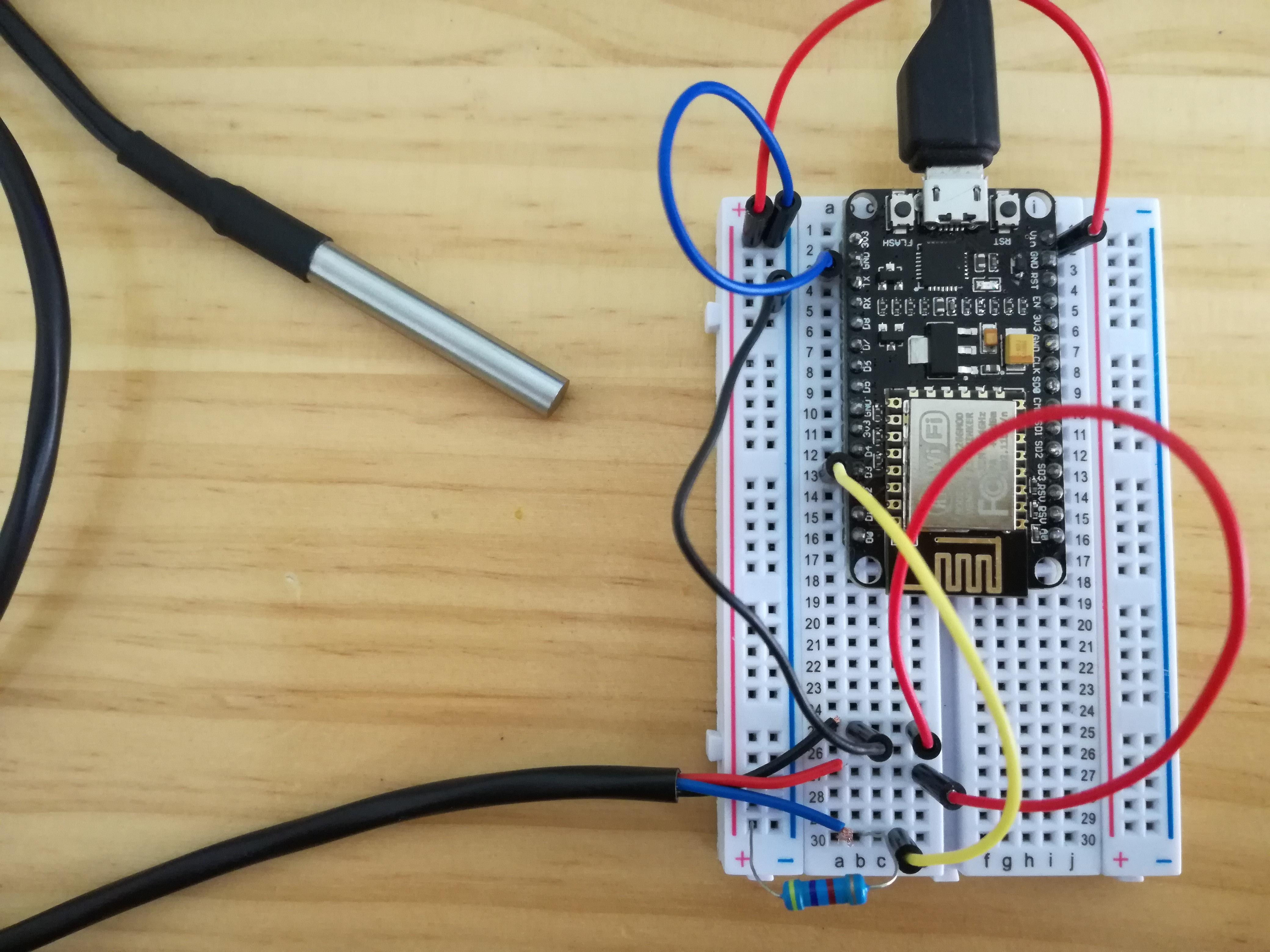 DS18b20 (temperature sensor) connected to NodeMCU
WifiClientSecure is an Arduino Library that supports the HTTPs request and can be uploaded to the NodeMCU. Using the WifiClientSecure, you can specify the CA certificates.
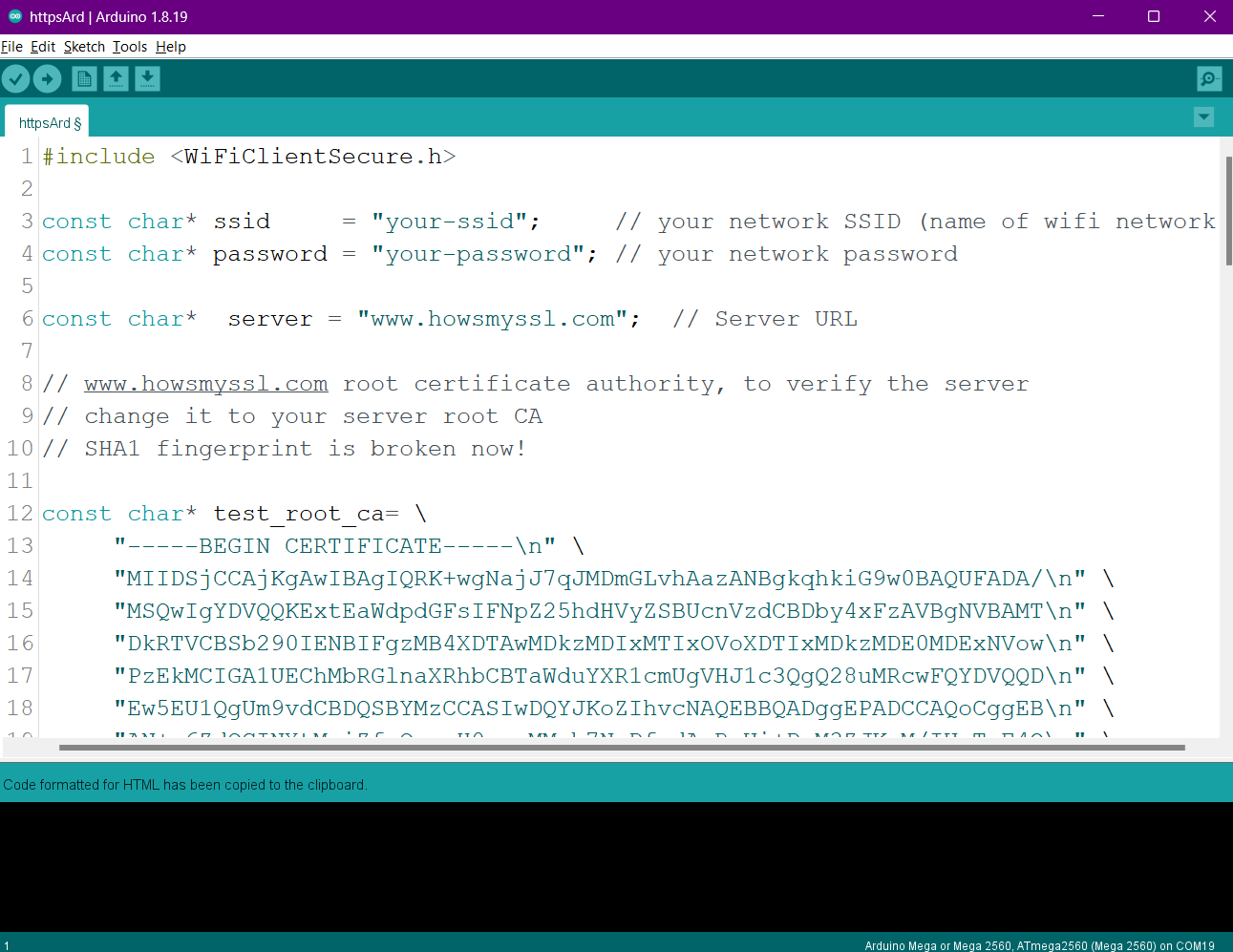
Source Code Link: WiFiClientSecure.ino
Once you've done this, your NodeMCU/ESP8266 should be able to establish a secure connection with your website using HTTPS.
This code snippet constructs a POST request to send sensor data, specifically temperature readings, to a server. It initializes the temperature reading to 37.5 degrees Celsius, then formats this reading along with authentication token and variable name into a URL-encoded string. The string is then included in the body of the HTTP request, along with necessary headers such as Content-Type and Content-Length, and sent to the designated server endpoint using the HTTP/1.1 protocol.
//Sensor Reading:
Temperature_Reading = 37.5; //Sample temperature reading

// Construct the POST request
String token = "500fbhajgccfei";
String variable_name = "Temperature";
String value = String(Temperature_Reading, 2);
String postData = "variable_name=" + urlEncode(variable_name) + "&" +
                  "value=" + urlEncode(value);

// POST Request
client.println("POST " + endpoint + " HTTP/1.1");
client.println("Host: " + server);
client.println("Content-Type: application/x-www-form-urlencoded");
client.print("Authorization: Bearer ");
client.println(token);
client.print("Content-Length: ");
client.println(postData.length());
client.println();
client.println(postData);
Copied to Clipboard